
Printable Kindle inserts: how to print and fit one
A Kindle insert is a printed design that slides behind a clear Kindle case, so the back of your Kindle shows your favourite artwork instead of plain black. No stickers, no glue, and you can swap it whenever you like. Kindle inserts are how my shop started, and this is how to get one printed and fitted.
What you need
- A clear case made for your Kindle model.
- A printable insert (a PDF) for your model.
- A printer, or a local print shop, with A4 or US Letter paper.
- Scissors or a craft knife.
How to print and fit a Kindle insert
- Download the insert PDF for your Kindle model.
- Print it at 100% / “Actual size”. Turn off “Fit to page” or “Scale to fit”, because scaling shrinks the design so it won't match your Kindle.
- Cut along the outline.
- Lay the insert flat on the back of your Kindle and close the clear case over it.
Inserts are designed to sit flat on the back. If one wrapped around the edges it wouldn't fit under the case.

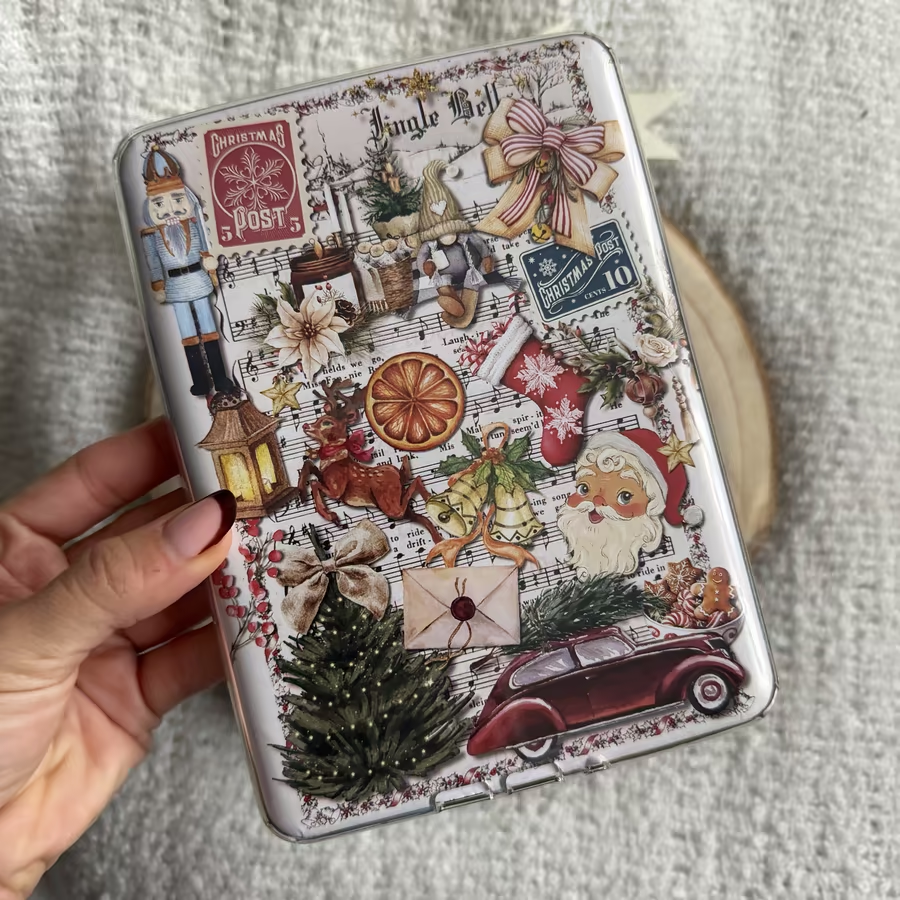
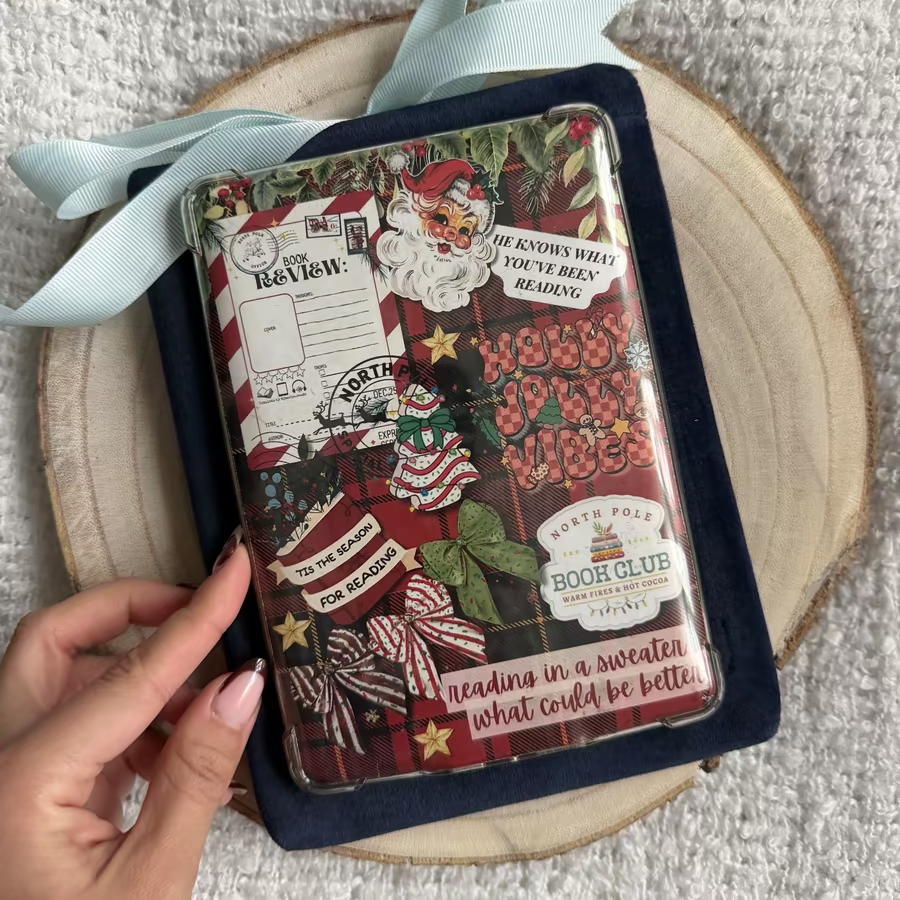
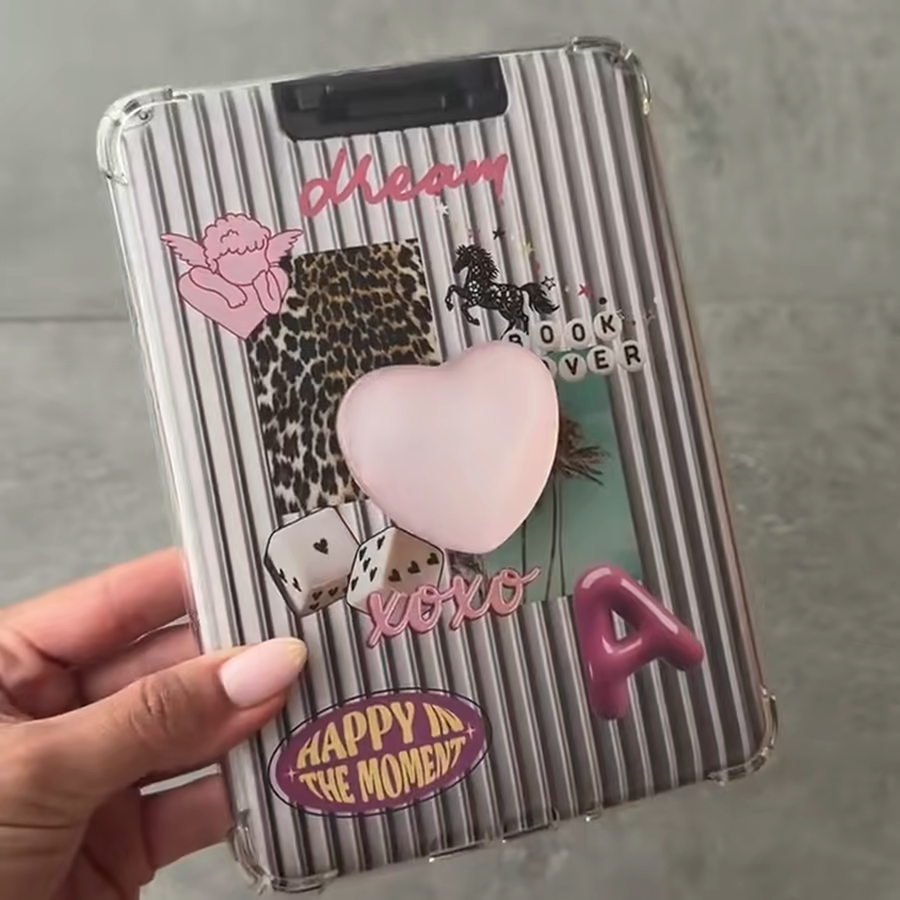
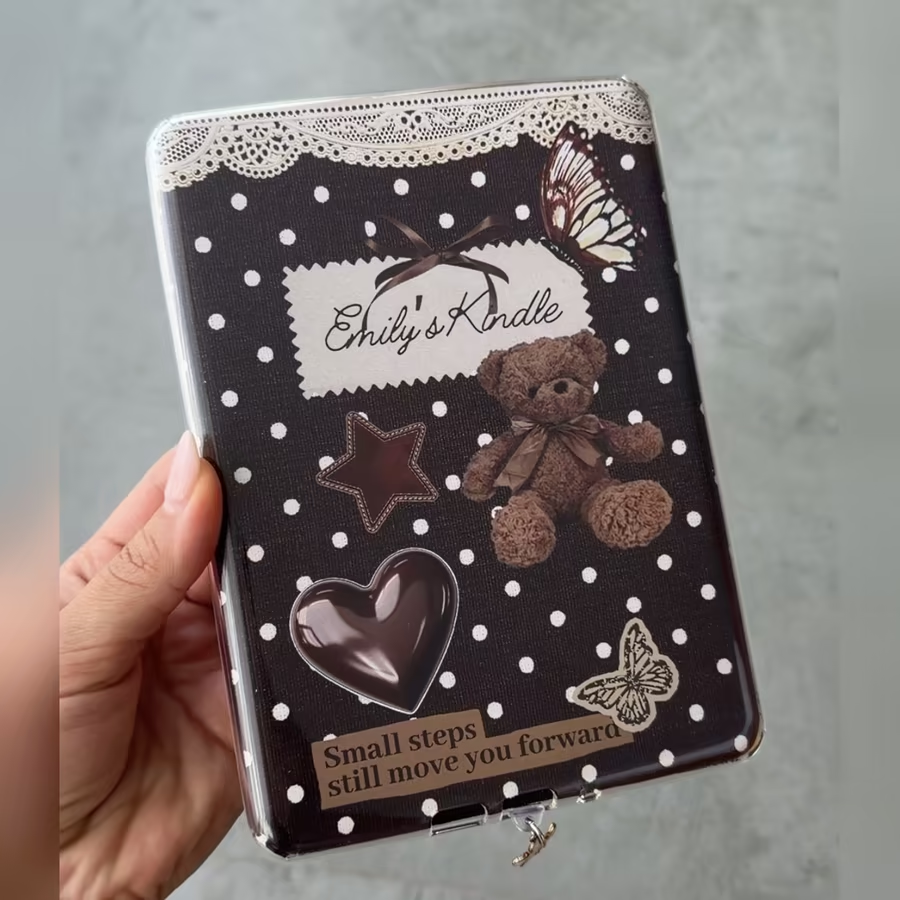
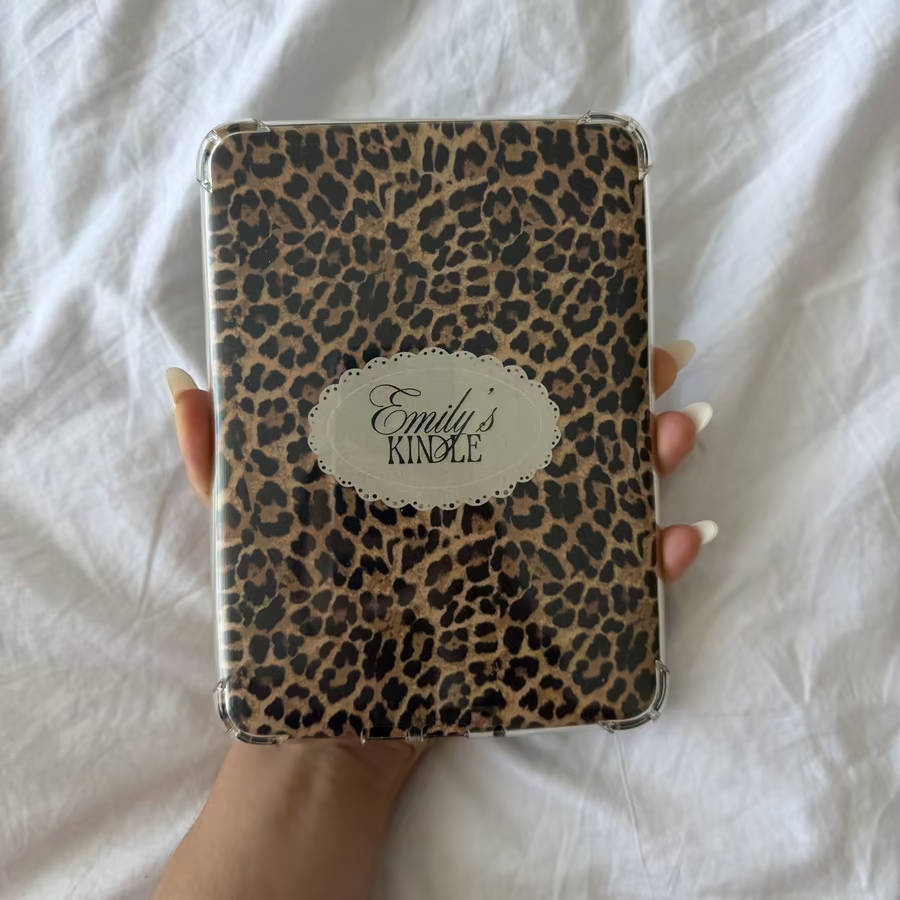
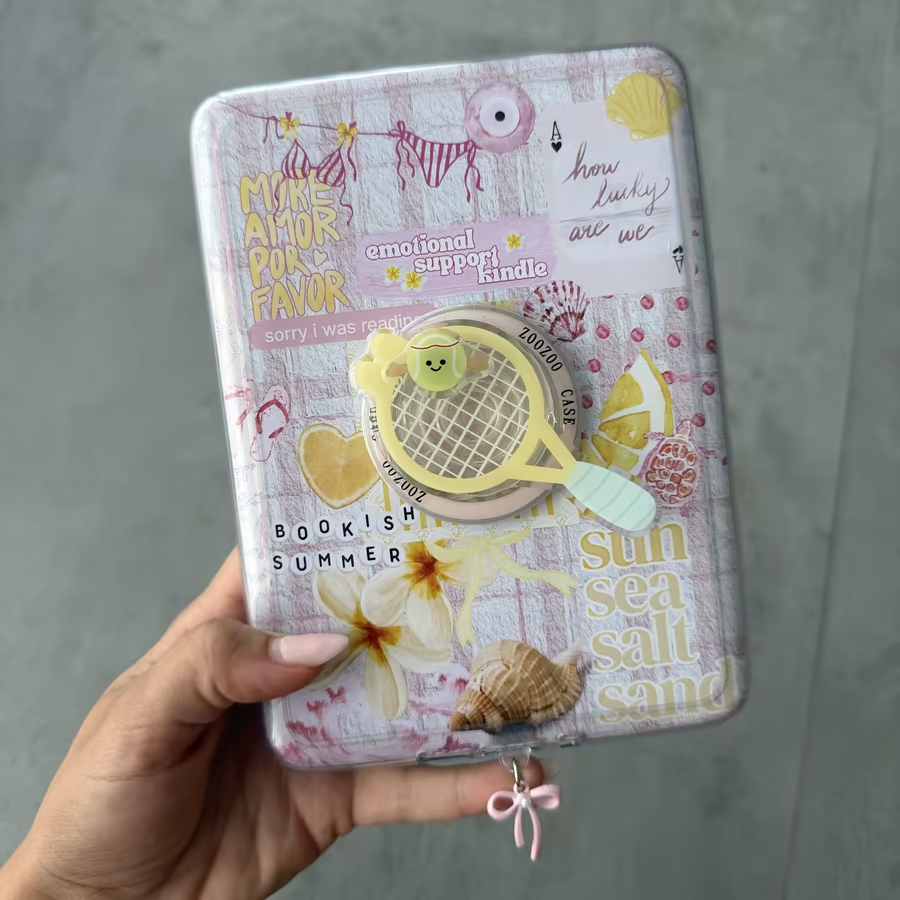
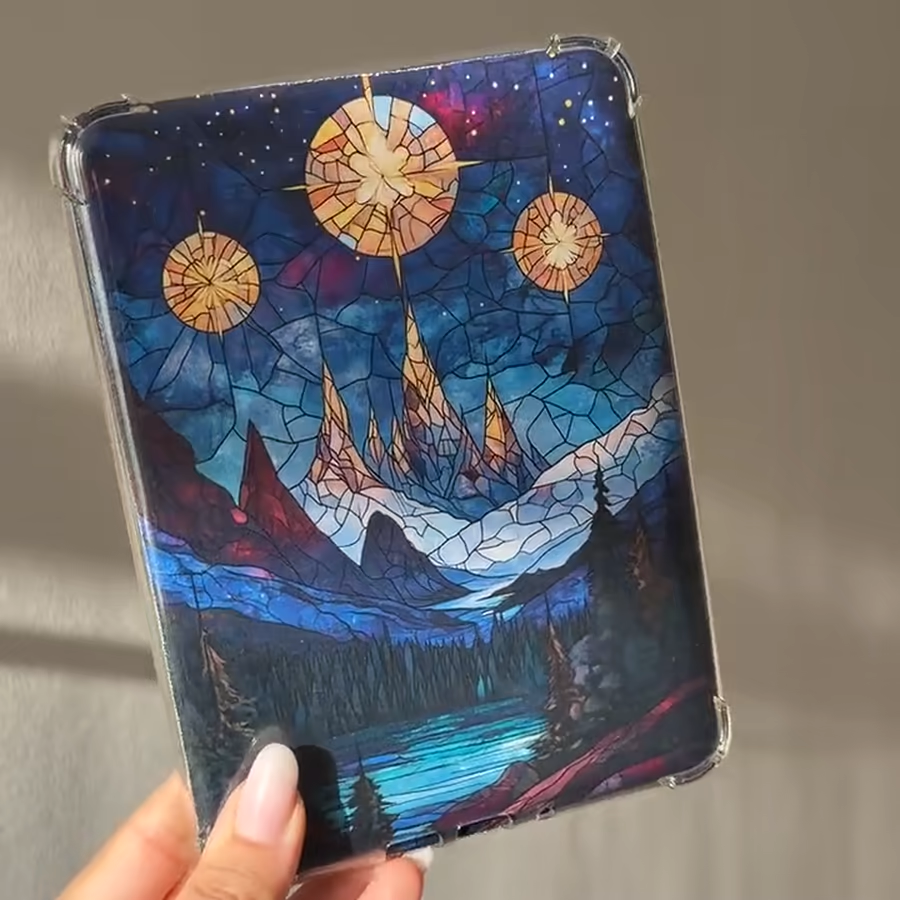
Make your own insert
Want your own artwork or photos on the back? My Kindle insert template is a drag-and-drop Canva file, already sized for the Paperwhite 12th Generation, Paperwhite Signature Edition, Colorsoft and Colorsoft Signature Edition, in A4 and US Letter. No Canva Pro needed.
Match the front too
Pair your insert with a matching custom lock screen so the screen and the back go together, or make a lock screen from your own photo.
Frequently asked questions
What is a Kindle insert?
A Kindle insert is a printed design that slides between the back of your Kindle and a clear case. It changes how the back of your Kindle looks without stickers, glue or touching the device.
Do I need a special case?
You need a clear (transparent) case made for your Kindle model, so the insert shows through and stays flat against the back.
How do I print a Kindle insert at the right size?
Print the PDF at 100% / "Actual size" and turn off "Fit to page" or "Scale to fit". Scaling shrinks the design so it no longer matches the Kindle back.
A4 or US Letter?
Use whichever paper your printer takes. My insert template comes in both A4 and US Letter; check each insert listing for the sizes it includes.
Which Kindles do the inserts fit?
It depends on the design, so check the listing. My Canva insert template fits the Paperwhite 12th Generation, Paperwhite Signature Edition, Colorsoft and Colorsoft Signature Edition.
Is anything shipped?
No. Printable inserts are digital downloads. You print them at home or at a print shop and trim them yourself.